One System to
‍
Run Your Entire Business

Microsoft Dynamics 365 equips your organization with the visibility, automation, and AI capabilities needed to perform at its best.
Watch ERP in action in a 30 min live session.
Learn More >
Read Case Studies
See how businesses like yours achieved results.
Learn More >
Talk to Our ERP Team
Discuss your ERP requirements with a specialist.
Learn More >
What a Connected ERP Makes Possible
When your business runs on one connected ERP, every team works from the same live operational platform, and sees one synchronized picture.
Finance closes faster, procurement responds earlier to supply signals, sales quotes with greater confidence, and managers make decisions based on current data instead of outdated reports.
Microsoft Dynamics 365
ERP Solutions
Microsoft Dynamics 365
Business Central
For small and medium businesses that need a fast, flexible, and cost-effective ERP solution.
Learn More >
Microsoft Dynamics 365
Finance & Operations
For multinational, multi-entity organizations with complex regulatory, financial, and operational requirements.
Learn More >
Key Capabilities
Microsoft Dynamics 365 ERP’s capabilities span the full breadth of business operations.
Core Operations
A businesswoman holding a tablet presents financial data on a large screen to a group of four colleagues in a modern office meeting room.
Financial Management

Manage accounting, budgeting, reconciliation, and reporting in one system, with real-time visibility.

A male store employee in a blue polo shirt and glasses showing a boxed product to a female customer inside an electronics store with TVs in the background.
Sales & Customer Service

Manage the full quote-to-cash cycle with connected customer records, and service history.

Warehouse worker wearing glasses, a black cap, and a gray vest using a digital tablet in an industrial facility with conveyor belts and shelves of packages in the background.
Purchasing & Supply Chain

Control purchasing and replenishment with connected data, reducing shortages and excess.

Warehouse with tall shelves filled with boxes and a worker in a safety vest and helmet walking down the aisle holding a tablet, surrounded by digital overlays showing inventory data and efficiency metrics.
Inventory & Warehousing

Track stock, demand, replenishment, and inventory movements in real time.

Extended Capabilities
Four professionals in an office collaborate around digital devices; two women and two men review a tablet and a laptop with colorful sticky notes on glass wall in the background.
Project Management

Provides full visibility into costs, progress, and profitability, integrated with finance.
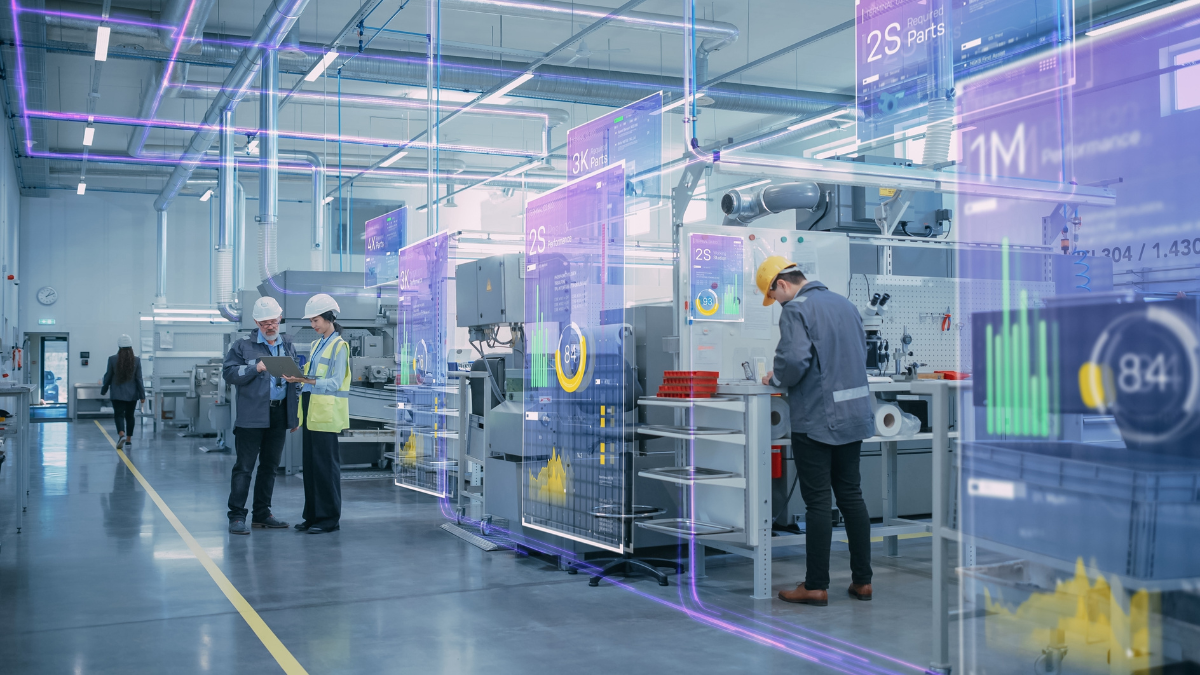
Modern manufacturing factory with workers wearing safety helmets and high-visibility vests working alongside advanced machinery showing digital data overlays with charts and performance metrics.
Manufacturing

Support production planning, assembly orders, and work orders.
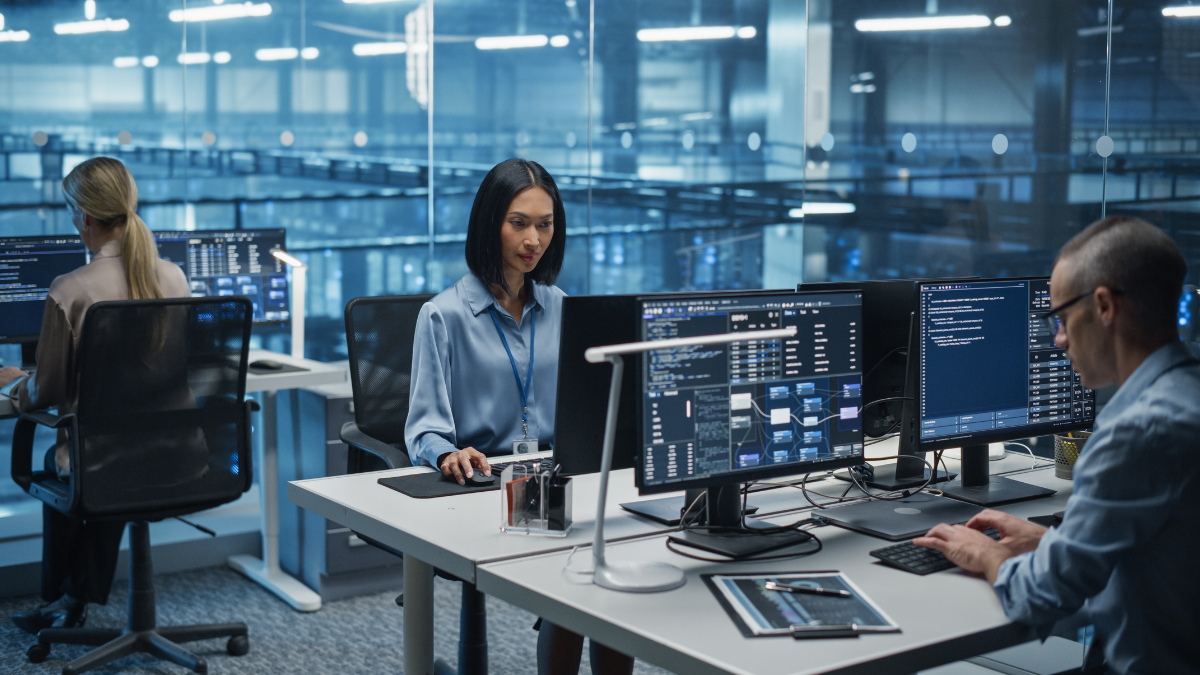
Three professionals in an office with glass walls working on computers with code and data on the screens, indicating a tech or software development environment.
Copilot AI Assistant

Use natural language to get answers, automate report generating, reconcile statements, and routine tasks.

Laptop on a desk displaying various business analytics charts and graphs including a bar chart, pie chart, and line chart, with a hand on the keyboard and an office environment in the background.
Reporting & Analytics

Gives teams operational and financial insights instantly.

Designed to Work with the Tools Your Teams Already Use
Dynamics 365 works naturally with the Microsoft tools your teams already use every day, helping adoption happen faster and reducing the friction of working across disconnected systems.
Microsoft Outlook logo featuring a stylized envelope in shades of blue with a rounded square containing a white letter O in front.
Outlook

View customer history, open orders, and account details without leaving your inbox.
Microsoft Excel logo with a green 'X' on a green square overlapping a grid background made of various green shades.
Excel

Export data to Excel for flexible analysis. Import updated data back with built-in validation.
Microsoft Teams logo with a stylized 'T' on a dark purple square overlapping two abstract human figures in different shades of blue.
Teams

Look up business records, share information, and collaborate directly within Teams.
Icon with three vertical bars in varying heights and shades of yellow to orange, symbolizing data or analytics.
Power BI

Connect your ERP data to interactive dashboards that give leadership real-time performance visibility.

Abstract ribbon-shaped design in gradient shades of green and blue forming a stylized letter P.
Power Platform

Extend Dynamics 365 on the same data foundation.
Colorful circular design with gradient segments surrounding the numbers 26 and 27 separated by a vertical line, above the text 'INNER CIRCLE FOR MICROSOFT AI BUSINESS SOLUTIONS'.
Global Top 1%Partner
Why Tectura for ERP

Tectura has 25 years of experience implementing Dynamics 365 ERP solutions. We combine platform expertise, industry understanding, and local delivery capability to help organizations build an ERP foundation that can support growth, automation, and AI over time.

6,000+
‍

Enterprises transformed globally

Local Team
‍

In Hong Kong with regional reach across Asia Pacific
End-to-end Delivery

 Implementation, training, and ongoing optimization
A circular, segmented ring with gradient colors from orange to blue surrounding the numbers 26 and 27 separated by a vertical line, above the text 'INNER CIRCLE FOR MICROSOFT AI BUSINESS SOLUTIONS'.
Microsoft Inner Circle Member

Microsoft Top 1% Partner Globally

Frequently Asked Questions
What is Microsoft Dynamics 365 ERP?

Microsoft Dynamics 365 ERP is a portfolio of cloud-based business applications that supports organizations of different sizes and operational needs, including Business Central and Finance & Operations. Functions cover financial management, sales, purchasing, inventory, supply chain, projects, and manufacturing, all connected on a single platform and powered by AI Copilot.

How is Dynamics 365 different from standalone accounting software?

Standalone accounting software manages financial transactions, but it does not give the business a connected operating model. Dynamics 365 links finance with purchasing, sales, inventory, projects, and operations, so every team works from the same real-time data foundation. It also adds AI capabilities, embedded automation, and native integration with Microsoft tools like Outlook, Excel, Teams, and Power BI, making it a platform for running the business, not just recording what already happened.

Can Dynamics 365 support multiple companies or legal entities?

Yes. Dynamics 365 supports multi-company and multi-entity environments, including shared charts of accounts, intercompany transactions, and consolidated reporting. This makes it well-suited for groups, holding companies, and businesses expanding across multiple locations or markets.

How does Dynamics 365 integrate with our existing systems?

Dynamics 365 provides APIs and pre-built connectors for integration with a wide range of third-party systems, including e-commerce platforms, payroll systems, banking applications, and industry-specific tools. Tectura will design the right integration architecture for your existing technology stack during the scoping phase.

How long does a Dynamics 365 ERP implementation take?

Timelines depend on scope. A financials-only Business Central deployment typically takes 8-12 weeks. Projects involving inventory, manufacturing, or integrations typically require 12-20 weeks or more. Finance & Operations implementations for complex enterprise environments take longer based on scope and number of modules. Tectura provides a detailed project timeline as part of the initial consultation.

What makes Tectura different from other Dynamics 365 implementation partners?

Tectura is a Microsoft Global Top 1% Partner, a designation earned by fewer than 1% of Microsoft partners worldwide. With over 25 years of local experience, 6,000+ enterprise implementations, a dedicated in-house R&D center, and direct access to Microsoft engineering teams, Tectura brings regional market knowledge, technical depth, and a long-term partnership approach that extends well beyond go-live.